

Introducing Improved Control Statements in Policy Audit

Overview
We are introducing improved control statements in Policy Audit. These updated statements describe the intent of each control more clearly, more consistently, and more precisely.
Existing subscriptions can opt in from the Policy Audit banner or from Setup. Newer subscriptions already use the improved statements, so no action is needed.
Availability: This update applies to subscriptions on the Shared Cloud Platform (SCP). Private Cloud Platform (PCP) subscriptions follow a separate release cycle. We will notify PCP customers when improved control statements are available.
What Is Changing
Control statements have been rephrased for clarity and consistency. The changes fall into three areas:
1. One consistent format per control type. The generic “Status of…” is replaced with a prefix that matches what the control evaluates:
| Control Type | Improved Statement Format |
| Services | State of… |
| Parameters | Value of… |
| Settings | Configuration of… |
| File/directory permissions | Permission set for… |
| File/directory ownership | Ownership set for… |
| Auditing | Audit configuration of… |
| Privileges and accounts | List of… |
2. Descriptive, not instructional, wording. Words like “Ensure”, “Verify”, “Check”, and “Disable” are removed. The statement now names what is evaluated, not the expected result.
3. Added context where needed. Some statements now include the technology name, so they read clearly on their own.
What stays the same: Control intent, security requirement, CID, compliance expectation, and scan and evaluation behavior.
How This Helps
- Easier to understand: Each statement tells you directly what is being assessed, without the need to interpret generic or instruction-style phrasing.
- Consistent across technologies: Similar checks read the same way, whether they apply to a Windows service, a Linux file, an Oracle parameter, or a network device configuration.
- Aligned with control logic and evidence: The statement now matches what the control actually collects and evaluates, so the statement, the evidence, and the result tell the same story.
- Clearer reporting and communication: Reports and posture results are easier to share with auditors, stakeholders, and remediation teams who may not know every control in detail.
Areas of Impact
When you enable improved control statements, the updated text applies across all controls in your subscription, including:
- Policies tab: Control statements shown in policy views and the policy editor.
- Controls tab: Control statements in the control library and control details.
- Exceptions tab: Control statements shown with exceptions.
- Reports: Control statements in compliance reports.
- Posture output: Control statements in posture results and evaluation output.
There is no impact on scan behavior, evaluation logic, CIDs, or compliance status. If you have scripts, integrations, or internal documentation that match on control statement text, we recommend reviewing them before you enable the improved statements. Integrations that reference controls by CID are not affected.
Examples
The following examples show how control statements are updated:
| CID | Previous Statement | Improved Statement |
| 1045 | Status of the ‘Clipbook’ service (startup type) | State of Clipbook service (startup type) |
| 1046 | Current status of the ‘_trace_files_public’ initialization parameter | Value of ‘_trace_files_public’ initialization parameter |
| 1703 | Status of auditing for ‘DROP ANY TRIGGER’ privilege usage | Audit configuration of ‘DROP ANY TRIGGER’ privilege usage |
| 8762 | Verify all entries in the /etc/resolv.conf file are valid parameters on the host | Parameter entries in the /etc/resolv.conf file on the host |
| 9242 | Ensure the ‘daemon_memcached’ Plugin is Disabled | State of ‘daemon_memcached’ Plugin |
| 10800 | Status of the ownership settings for the Docker server certificate key file defined by the ‘tlskey’ setting on the host system | Ownership set for the Docker server certificate key file defined by the ‘tlskey’ setting on the host system |
| 12611 | Status of ‘%ANY%’ system privilege granted to grantees (roles) | List of grantees granted to %ANY% system privilege(roles) |
| 17272 | Status of the ‘trusted-ca-file’ argument of the etcd process | Configuration of ‘trusted-ca-file’ argument of the etcd process |
| 21168 | Status of the permission set for the ‘inetpub/logs/logfiles/w3svc1’ directory | Permission set for the ‘inetpub/logs/logfiles/w3svc1’ directory |
| 31802 | Status of first run setup completion configuration | Outlook first run setup completion configuration |
Who Needs to Take Action
Only users with the Manager or POC Manager role can enable or disable improved control statements. The setting applies at the subscription level; once enabled, all users in the subscription see the updated statements.
How to Enable Improved Control Statements
A Manager or POC Manager can enable improved control statements for the subscription in either of two ways.
Option 1: From the Banner
1. When you log in to Policy Audit, you will see the following banner:

2. Click Turn on now.
3. Select Enable improved control statements.
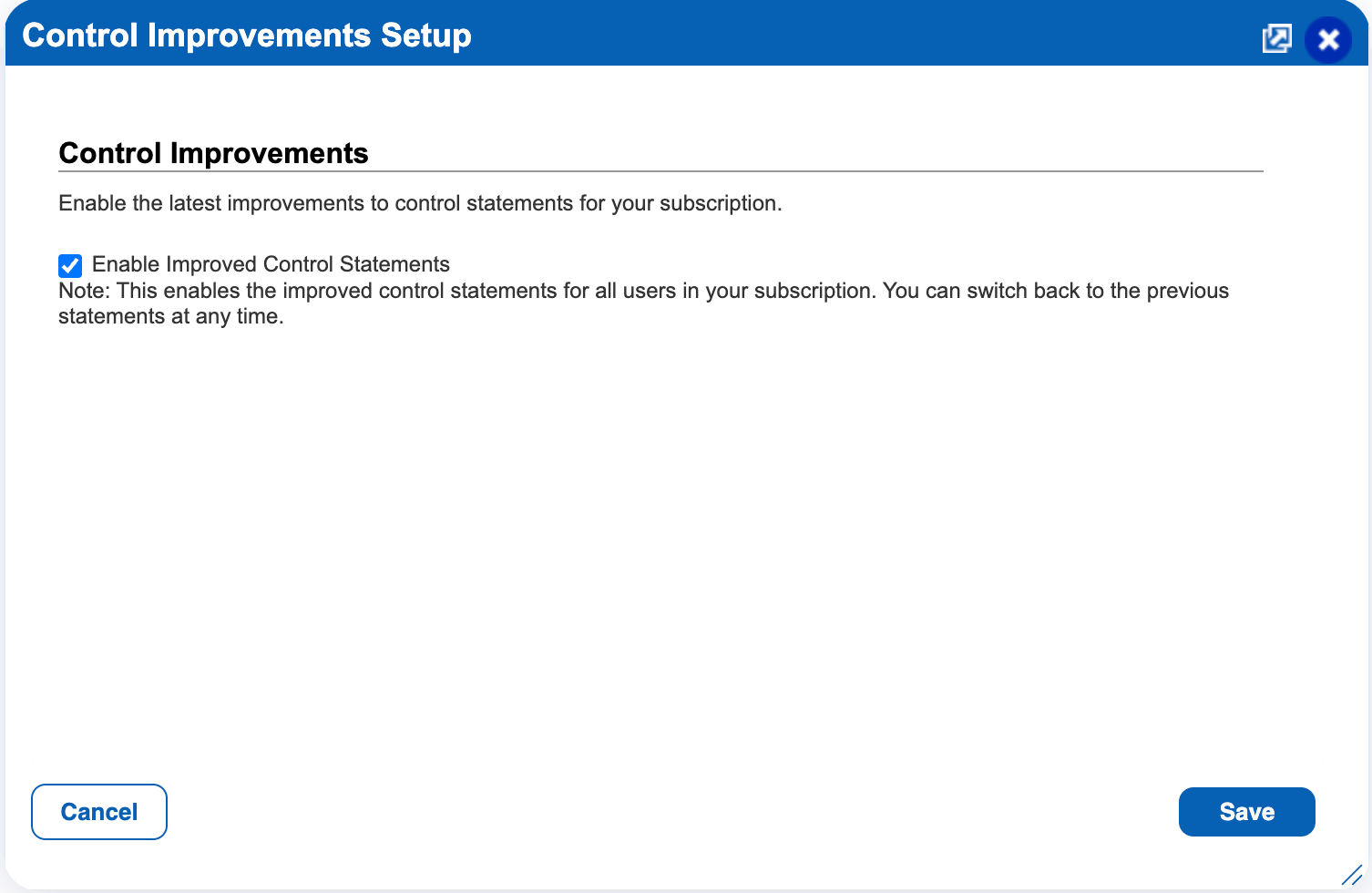
4. Confirm action and Save
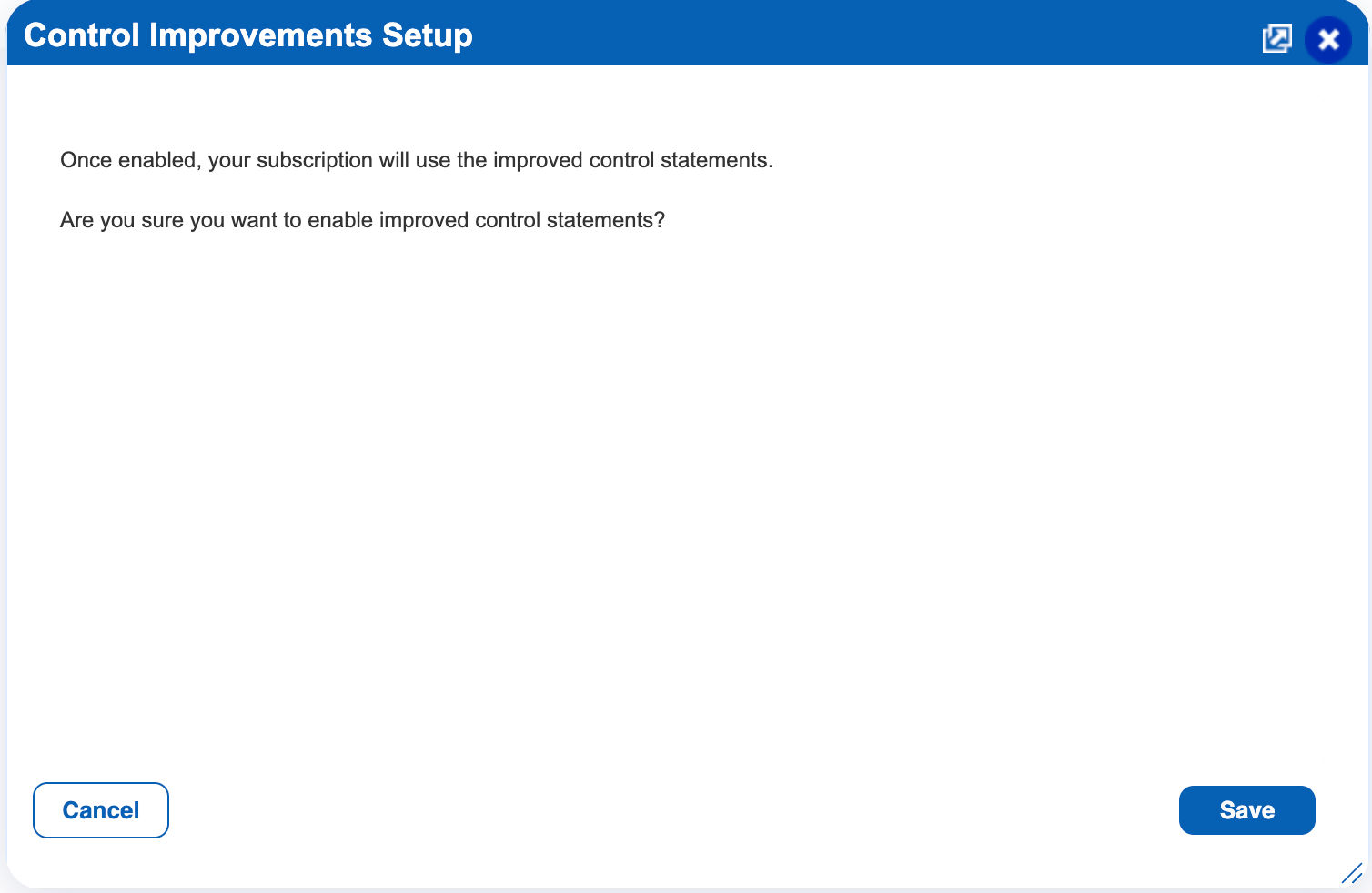
Option 2: From Setup
1. Go to Setup.
2. Select Control Improvement.

3. Select Enable improved control statement.
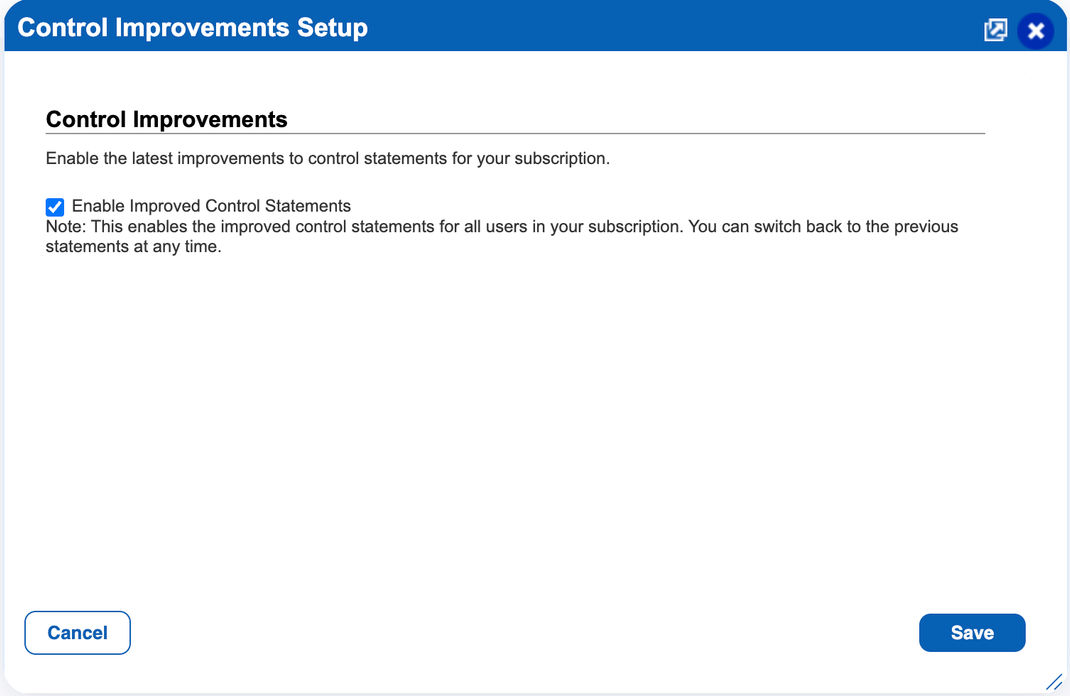
4. Confirm action and Save
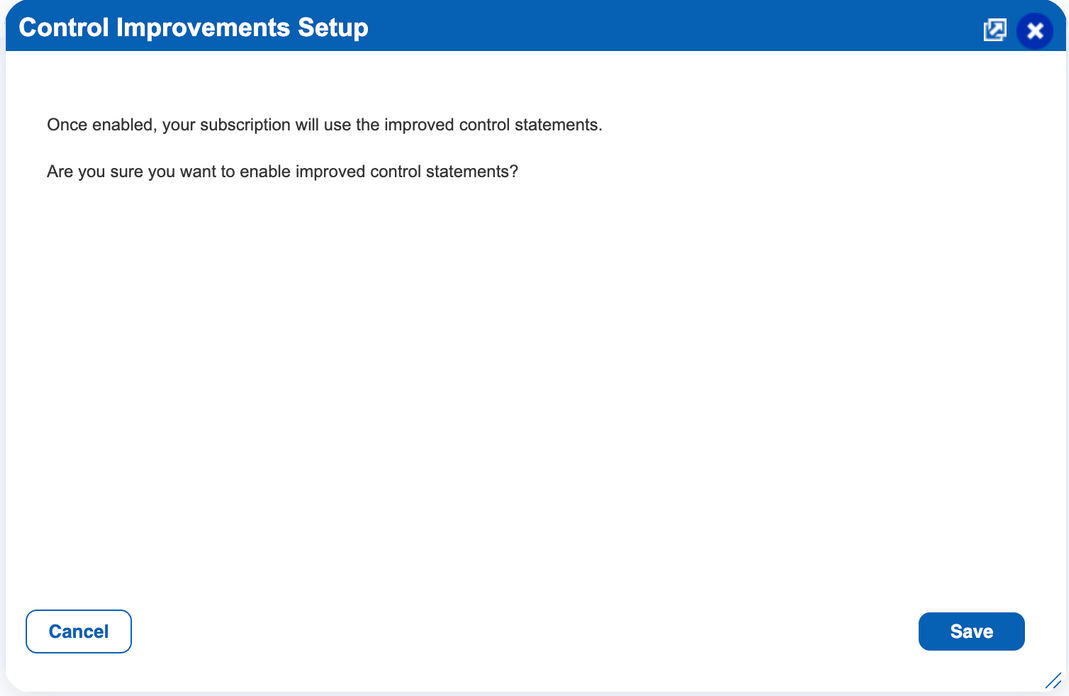
After You Enable
The changes take effect immediately for all users in the subscription, across the Policies, Controls, Exceptions, Reports, and Posture tabs.
How to Revert
For the next 6 months (until April 2027), a Manager or POC Manager can switch back to the previous control statements at any time:
1. Go to Setup.
2. Select Control Improvement.

3. Clear the Enable improved control statements check box.
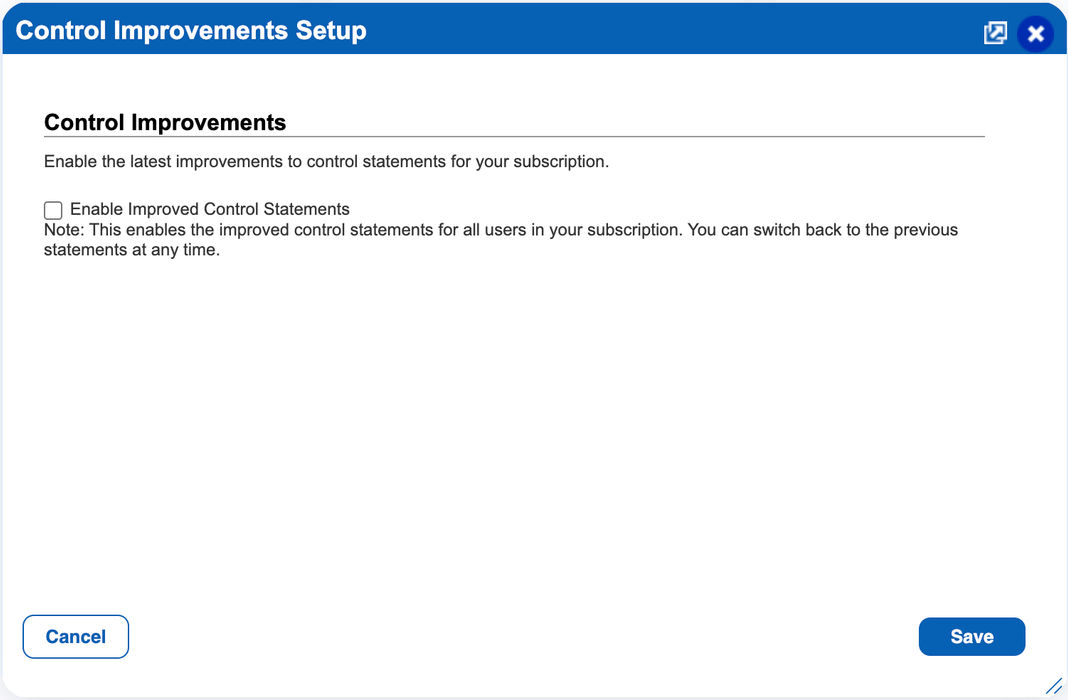
4. Confirm action and Save.
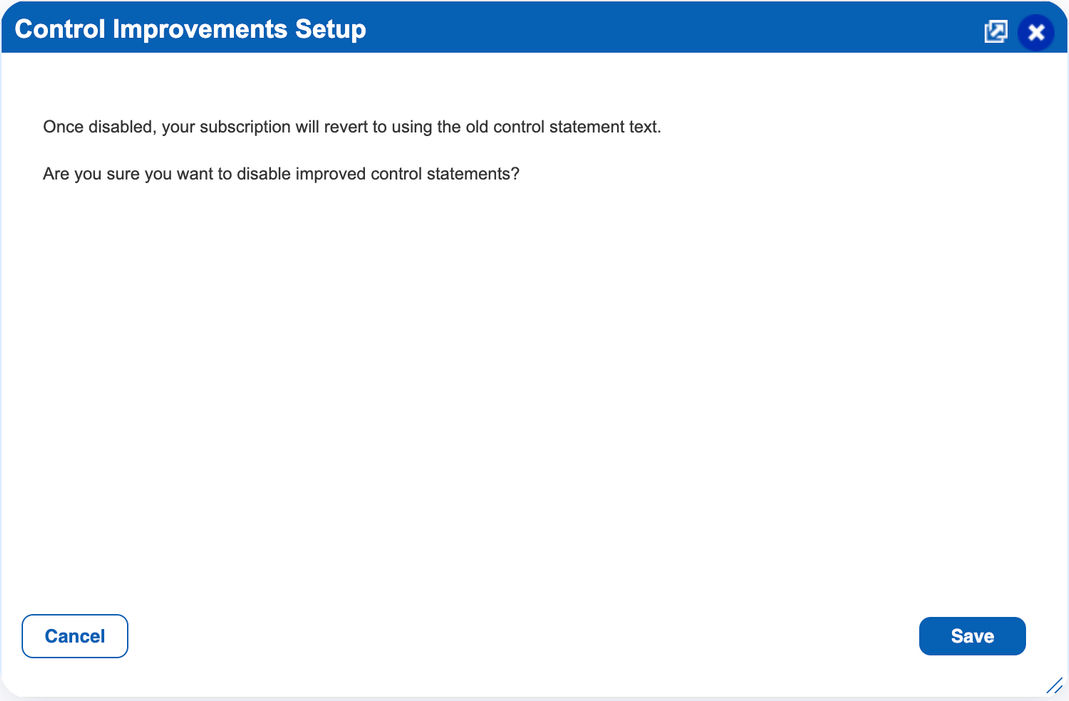
The previous control statements are then displayed again for all users in the subscription, across policies, controls, reports, and posture output.
Activity Logging
Every change to this setting is recorded in User Activity, so you can track who changed it and when:
| Action Taken | Logged Action in User Activity |
| Improved statements enabled | enabled improved control statements |
| Improved statements disabled | disabled improved control statements |
What’s Next
Transition period: The option to revert to the previous control statements will remain available for the next 6 months, until April 2027. After this period, improved control statements will become the default for all subscriptions, even if an organization has not opted in, and the option to revert will no longer be available.
Improved control statements are also the first step in a broader effort to enhance how Policy Audit controls are described, rated, and organized. In upcoming releases, we plan to introduce similar refinements, including consistent, formula-based criticality ratings and more precise category and subcategory mappings. Stay tuned for more updates.
Frequently Asked Questions (FAQs)
Does this change how controls are evaluated or my compliance results?
No. Control intent, security requirements, CIDs, compliance expectations, and scan and evaluation behavior remain unchanged. Only the statement wording is updated.
Do I need to rescan my assets or update my policies?
No. The updated statements are applied automatically across policies, controls, reports, and posture output once the setting is enabled.
Who can enable or disable this setting?
Only users with the Manager or POC Manager role. The setting applies to the entire subscription, so all users see the same statements.
Can individual users choose which statements they see?
No. The setting is configured at the subscription level, not the user level.
Will my integrations be affected?
Integrations that reference controls by CID are not affected. If any scripts, integrations, or internal documentation match on control statement text, review them before enabling the improved statements.
Can we switch back after enabling?
Yes. For the next 6 months (until April 2027), a Manager or POC Manager can revert to the previous statements from Setup > Control Improvement. After that, improved control statements become the default and the option to revert will no longer be available.
How can we track who changed this setting?
Each change is recorded in User Activity with the action “enabled improved control statements” or “disabled improved control statements”.
We’re on a Private Cloud Platform. When do we get this?
Improved control statements are rolling out to Shared Cloud Platform subscriptions first. PCP subscriptions follow a separate release cycle, and we’ll notify you when this is available for your platform.